Hello
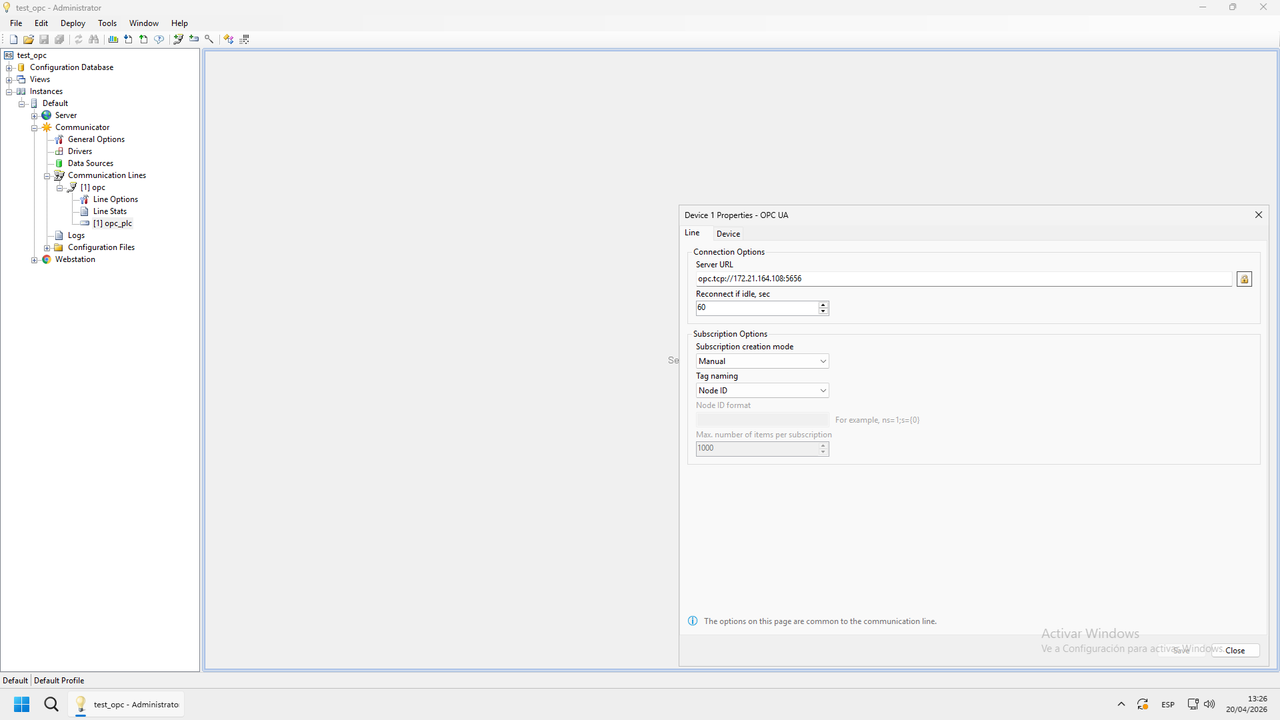
I have an installation that connects remotely to a PLC. We use port 5656, but on the installation, the router forwards everything coming in on port 5656 to port 4840 and to the PLC’s IP address.
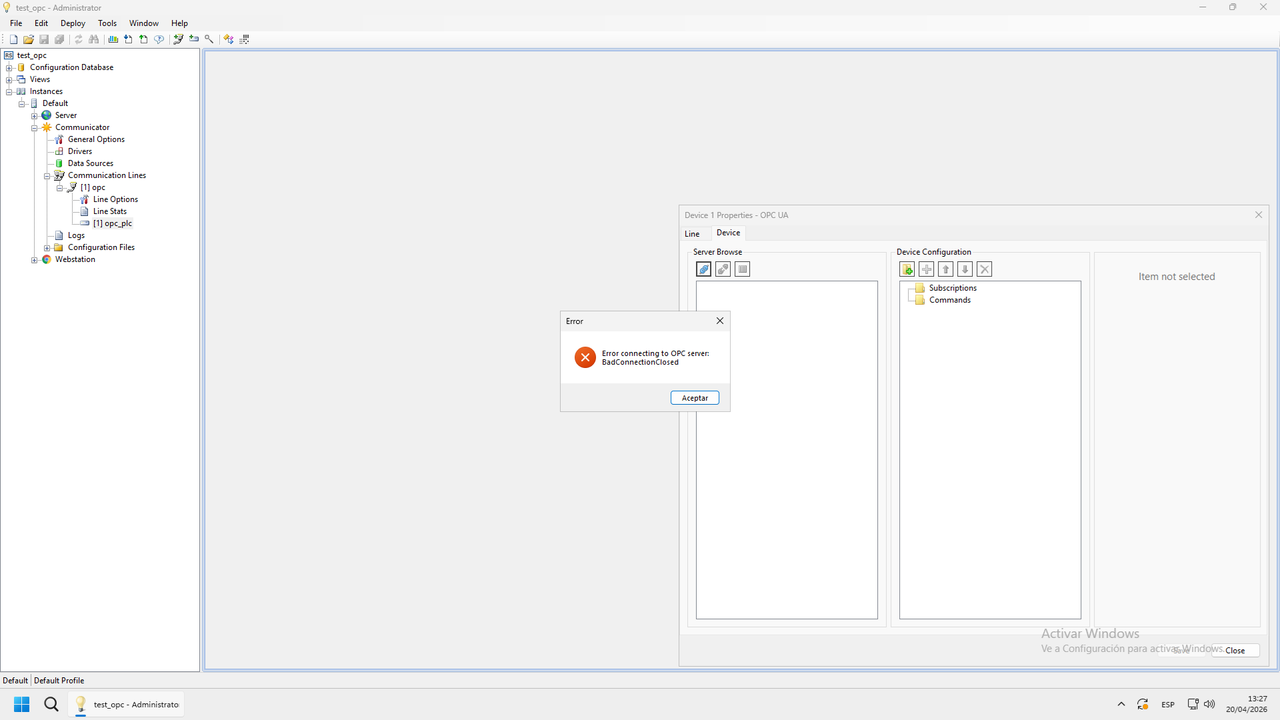
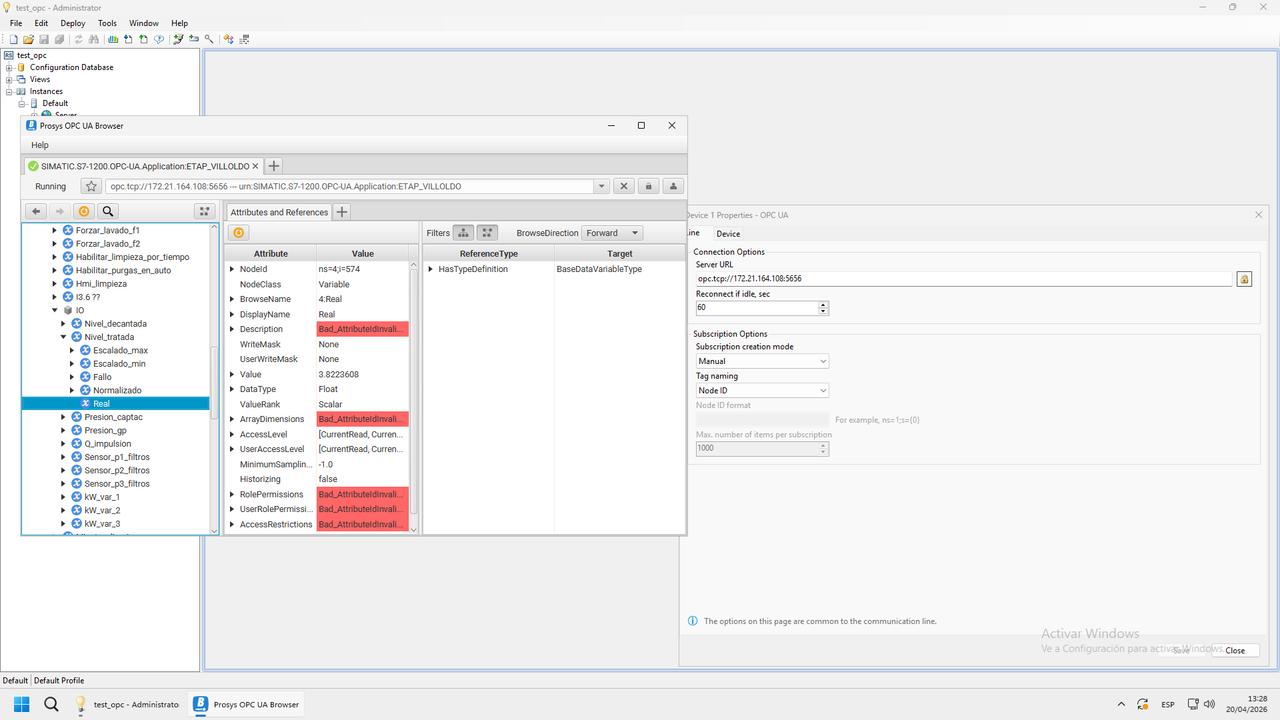
The Prosys OPC UA Browser connects without any issues, but the SCADA returns an error.
If I set the PLC, a S7-1200 (OPC server), to use port 5656 and configure port forwarding from 5656 to 5656 on the PLC’s IP, the SCADA connects. However, if I revert to the original setup (PLC on port 4840, with port forwarding from 5656 to 4840 on the PLC’s IP), the SCADA does not connect. Meanwhile, the OPC UA Browser still connects successfully.
Something must be happening with the OPC driver; it doesn’t seem to handle the router’s port addressing well.
What can I do?
https://ibb.co/G3vjgmWT
https://ibb.co/20btbKvH
https://ibb.co/HLNJ9fq2
Thanks
-
This topic was modified 6 months, 1 week ago by
 quintelosky.
 .
.